Guide · App Store listings
App Store listing optimisation for AI answers
When someone asks ChatGPT for an app like yours, your App Store listing is the page it’s most likely to read. Write it for the assistant as well as for App Store search, and you give it every reason to name you. Here’s how, field by field, from the name to What’s New.
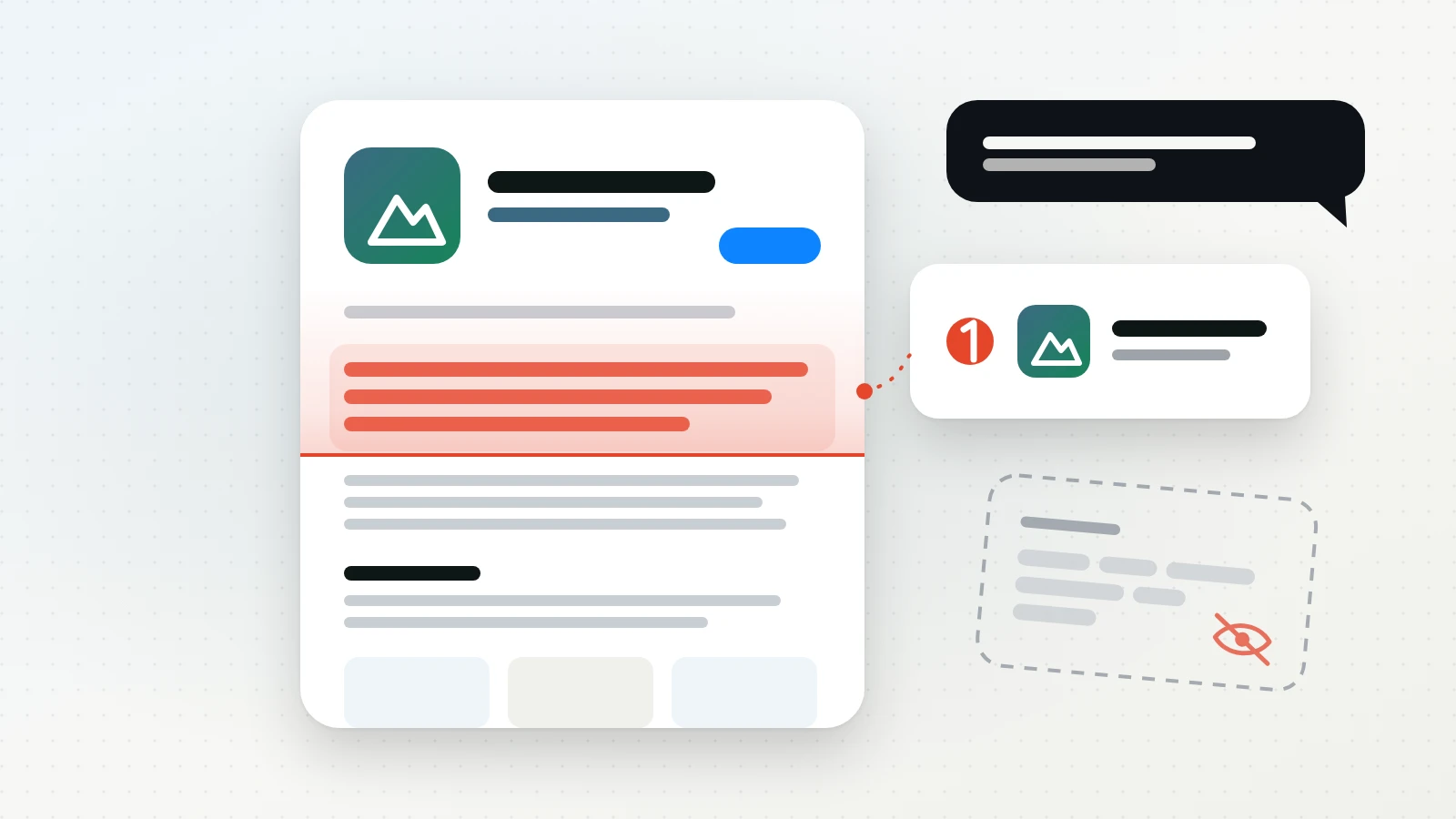
Your listing is the page ChatGPT reads most
AppTweak looked at more than 125,000 ChatGPT answers recommending apps in the US in May 2026. App store listings were 47.5% of the sources ChatGPT cited: 37.6% from the App Store and 9.6% from Google Play. The open web was 27%, and in 22.6% of answers ChatGPT cited nothing and answered from what the model already knew. [1]
That’s one company’s study (AppTweak sells ASO and AI visibility tools), of one assistant, in one country. It still points one way: for app questions, the App Store listing is the page that gets read most. Our guide to getting your app recommended by ChatGPT covers the rest of the picture: your website, AI crawlers, and the articles and threads answers cite.
So your listing now has two readers. App Store search decides where you rank in the store. An assistant decides whether you’re named when someone asks for “an app like yours”, or whether a competitor is. They don’t read the same fields, and most listings are only written for the first.
See your listing the way an AI does
App Store search reads the fields Apple indexes. An assistant that searches the web reads the public product page at apps.apple.com, the same page anyone sees in a browser. Here’s how the fields split:
| Field | Search | On the page |
|---|---|---|
| App name | Indexed | Yes |
| Subtitle | Indexed | Yes |
| Keyword field | Indexed | Never shown |
| Primary category | Indexed | Yes |
| Description | Not named | Yes, most of it |
| Promotional text | No effect | Yes |
| What’s New | Not named | Yes |
Apple says search uses text relevance from your title, subtitle, keywords and primary category, plus how people behave (downloads, ratings, reviews), and that promotional text doesn’t affect ranking. [4] It doesn’t name the description or What’s New as ranking factors. What’s on the public page is from reading the HTML of live apps.apple.com listings in October 2026; open your own in a browser and check the same way.
This is your opening. Many listings put their best words in the keyword field and treat the description as an afterthought, because the description doesn’t move search ranking. To an assistant it’s the reverse: the keyword field is invisible, and the description is most of what there is to read.
Start from the questions that win you customers
An assistant names an app in answer to a question, so begin there. Write down the five to ten questions your buyers would type, in their words: “best hiking app for beginners”, “app to plan day hikes offline”, “hiking app without a subscription”.
Then read your listing as the assistant would, one question at a time. Does it say, in plain words, that the app is for that? AppTweak’s finding is that most listings describe features well but leave the audience, the outcome and the fit vague, and those are what a recommendation needs. [2]
App name: be easy to recognise
Up to 30 characters. [5] It’s indexed by search and it’s how every answer refers to you.
- Hint at what the app does. Apple’s advice is a simple, memorable name that “hints at what your app does”. [3] A brand plus one plain word, like “Halcyon Trails: Hiking Maps” (a made-up app), tells both readers what it is.
- Use exactly the same name everywhere. Your listing, website, press kit and social profiles should match. An assistant pieces an app together from many pages, and three spellings of your name read as three weaker apps.
- Don’t stuff it. Apple’s guideline 2.3.7 rules out packing metadata with “trademarked terms, popular app names, pricing information, or other irrelevant phrases”. [7]
Subtitle: your one-line pitch to the AI
Up to 30 characters, shown under your name throughout the App Store. [3] It’s indexed by search and it’s the short answer to “what is this app?”
- Name the kind of app in the words people use. Answers describe apps as “a [kind of app] for [someone]”, so give them that phrase. “Offline hiking maps for beginners” fits in 30 characters; “Adventure awaits” says nothing an answer can use.
- Skip claims. Apple asks you to avoid generic lines like “world’s best app” [3], and guideline 2.3.7 bars unverifiable product claims in subtitles. [7]
- No other apps’ names. Subtitles can’t reference other apps [7], so “AllTrails alternative” is out. Being named as an alternative has to come from other pages that write about you.
Keyword field: rank in the store, invisible to AI
Up to 100 characters, terms separated by commas with no spaces. [4] It’s indexed by search and shown to nobody, assistants included.
- Keep working it for search. Apple’s rules still apply: don’t repeat words already in your name, subtitle or category, skip plurals of words you’ve used, and leave out filler and generic words like “app”. [4]
- Don’t count on it for AI. If a phrase matters for the questions you wrote down, it has to be somewhere on the page as well, usually the description.
- No competitor names here either. Under guideline 2.3.7, Apple may change keywords that try to game the system. [7]
Description: turn your listing into the answer
Up to 4,000 characters, plain text with line breaks and no HTML. [6] Apple doesn’t name it as a search ranking factor [4], which is why it’s often the least worked-on field. For an assistant it’s most of the page, and AppTweak calls it the highest-leverage first move. [2]
Open with one sentence an answer could quote
Apple says the first sentence is the most important, because it’s what people read without tapping “more”. [3] It’s also the first thing an assistant reads. AppTweak suggests this shape: [2]
[App name] is a [kind of app] that helps [who it’s for] [do what] by [how].
- best hiking app for beginners
- hiking app that works offline
Before
Adventure is calling! Discover the great outdoors like never before with stunning maps and an amazing community.
Answers 0 of 2
After
Halcyon Trails is a hiking app that helps beginners plan day hikes and follow them offline, with trail maps, elevation profiles and directions that work without signal.
Answers 2 of 2
The second one answers “best hiking app for beginners” and “hiking app that works offline” in one sentence. The first answers nothing.
Say who it’s for, and when to pick it
“For everyone” gives an answer nothing to hold on to. Name the people and the situations: “If you’re new to hiking and want routes rated by difficulty”, “If you hike where there’s no signal”. This is the part most listings leave out, and the part a recommendation is made of. [2]
Pick three to five uses and keep to them
A list of thirty features reads like every other app in the category. AppTweak’s advice is to focus on three to five use cases and repeat them consistently. [2] Give each one a short section, and use the same words for them on your website.
Tie each feature to what it gets the user
“Offline maps” is a feature. “Download a trail before you leave and follow it with no signal” is a reason to pick the app. Write the second kind, and drop brand words like “ultimate” and “all-in-one”, which tell an assistant nothing. [2]
Add facts that can be checked
An answer can only repeat specifics you give it: how many trails, which countries, which devices, an award and its year, what’s free and what’s paid. Use only ones that are true now, and update the listing when they change.
Make it easy to scan
With no HTML, structure comes from the text: short paragraphs, a plain heading on its own line for each use, and bullet characters for lists. Questions work well as headings because they match how people ask assistants: “Does it work offline?” followed by a two-line answer. [2]
Promotional text: fresh news without a new release
Up to 170 characters, shown at the top of the description. You can change it at any time without submitting a new version, and it doesn’t affect search ranking, so don’t spend it on keywords. [3]
Use it for one current, specific fact: a new feature, a season, a price change. “New: download whole national parks for offline use” is something an answer can pick up; “Try it today!” isn’t.
What’s New: make every update a reason to pick you
Up to 4,000 characters, required for every update after the first. [6] It appears on your product page [3], so it’s part of what an assistant reads.
- Name the change in the user’s words. “You can now share a hike as a link, and friends can follow it without the app” says what the app does now. “Bug fixes and performance improvements” says nothing.
- Apple asks for this anyway. Guideline 2.3.12 says significant changes must be listed; only small fixes can use a generic line. [7] Apple also suggests listing new features in order of importance. [3]
- Move big features into the description. Each release replaces the last one’s notes. If a feature becomes a reason to pick the app, it belongs in the description too.

Category, languages and Apple’s AI tags: the extra edge
- Category. Your primary category is indexed by search [4] and shown on the page. Pick the one your buyers would name.
- Other languages. Each storefront has its own page, and the description is localisable. [6] Translate the description, not just the keyword field, in the markets you care about, since that page is what an answer in that language can read.
- Apple’s AI tags. At WWDC 2025 Apple said its language models would tag apps, starting from their metadata, to surface details otherwise buried in descriptions, categories and screenshots. People review the tags, and you can turn off ones you don’t want in App Store Connect. [8] A description that says plainly what the app does helps there too.
Your listing checklist
- Write down five to ten questions your buyers would ask an assistant.
- Use the same app name on your listing, website and profiles.
- Make the subtitle a plain “[kind of app] for [who]”, with no claims and no other apps’ names.
- Keep the keyword field for search, and put any phrase that matters for AI on the page as well.
- Open the description with one quotable sentence: what it is, who it’s for, how it helps.
- Name the people and situations the app is for, and keep to three to five uses.
- Tie features to outcomes, and add specifics that are true and can be checked.
- Use promotional text for one current fact.
- Write What’s New in the user’s words, and move big features into the description.
- Translate the description in the markets you care about.
How to know it’s working
Ask your questions before you change anything, and note which apps each assistant names and which pages it cites. Ask again a few weeks after the new listing is live. Answers that search the web can pick up a changed page quickly. Answers that come from the model’s own knowledge, 22.6% of them in AppTweak’s study [1], change only when the model does. Expect the answers to vary from one ask to the next, so look at several asks, not one.
Sources
- Pierre-Antoine Roy, Which sources do AI search engines cite when recommending apps, AppTweak, 30 September 2026. Data: more than 125,000 ChatGPT responses, US, May 2026.
- Pierre-Antoine Roy, How to optimize your app store listing for AI search engines, AppTweak, 16 August 2026.
- Apple, Creating your product page, Apple Developer.
- Apple, Search, App Store, Apple Developer.
- Apple, App information, App Store Connect Help.
- Apple, Platform version information, App Store Connect Help.
- Apple, App Review Guidelines, guidelines 2.3.7 (Accurate Metadata) and 2.3.12 (What’s New).
- Sarah Perez, At WWDC, Apple says it will use AI to tag apps to improve discoverability on the App Store, TechCrunch, 11 June 2025.
Sources checked .